A few days after the big 5.0 release, Volume Control 5.1 is here. It answers the two things you asked for most in your reviews: switching with the charger, and the widget you had in version 4.
Switch with the charger
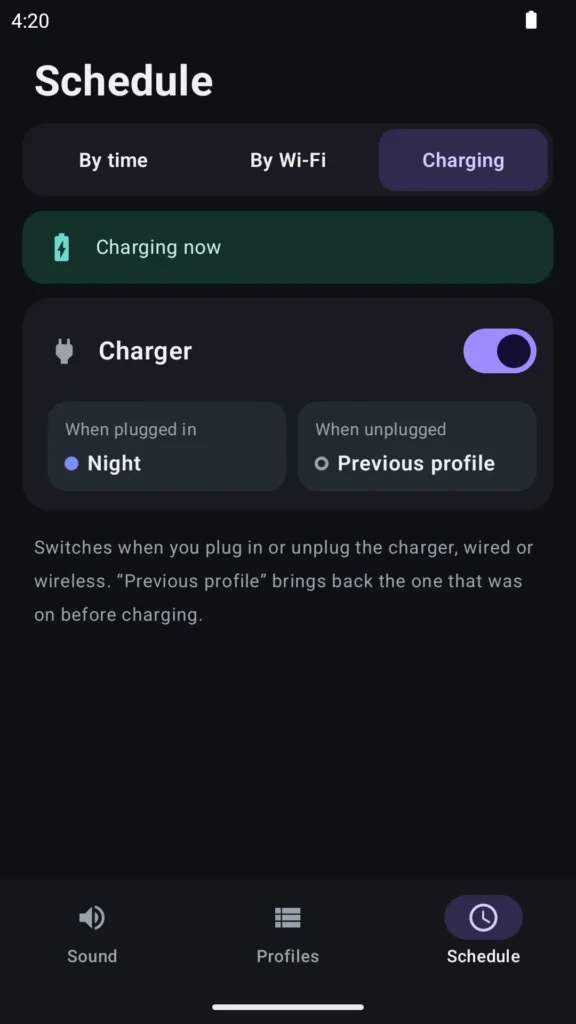
Schedule now has a third tab, Charging. Pick a profile for when you plug in the charger, wired or wireless, for example Night on the nightstand. When you unplug, Volume Control brings back the profile you had before, switches to another one, or does nothing: you choose. It needs no extra permissions and no service running in the background. Switching with the charger is part of Premium.
The widget is free again
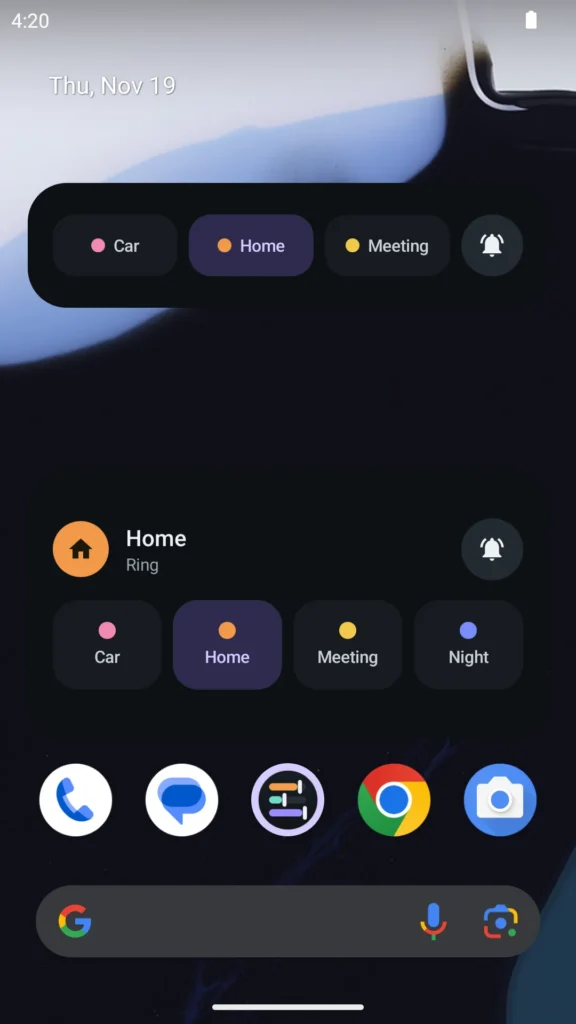
In 4.x the home screen widget was free, and in 5.0 it became Premium only. That was a mistake, so the new widget is free for everyone: your active profile and a button for Ring, Vibrate and Silent. It fits in one row (4×1), like the old one, and shows a preview when you add it. With Premium you also get profile buttons, in the same row or in a second row when you make the widget taller.
If an old widget from version 4 keeps loading on your home screen, remove it and add the new one from the widget list.
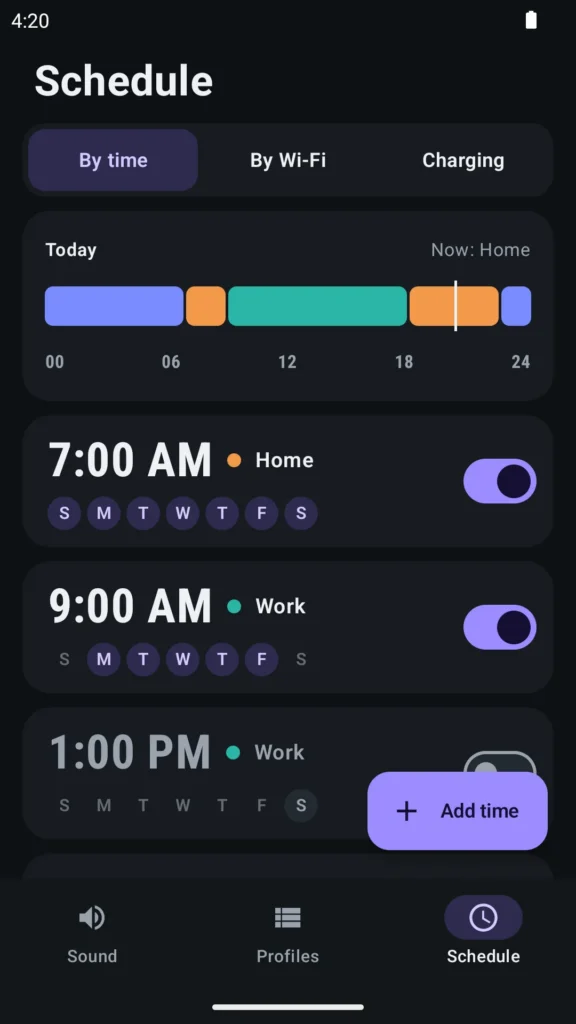
Version 5.1 also fixes a crash in schedules on Android 7.
Get Volume Control on Google Play, or read more on the Volume Control page.